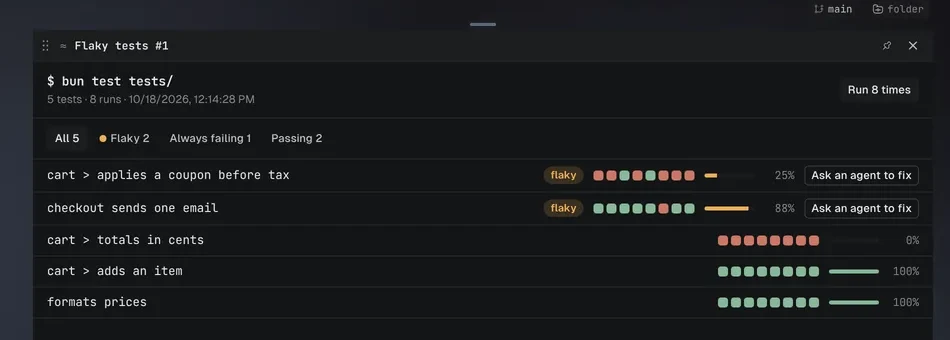
Tool
A tile with the app's access, so it arrives switched off until you turn it on.
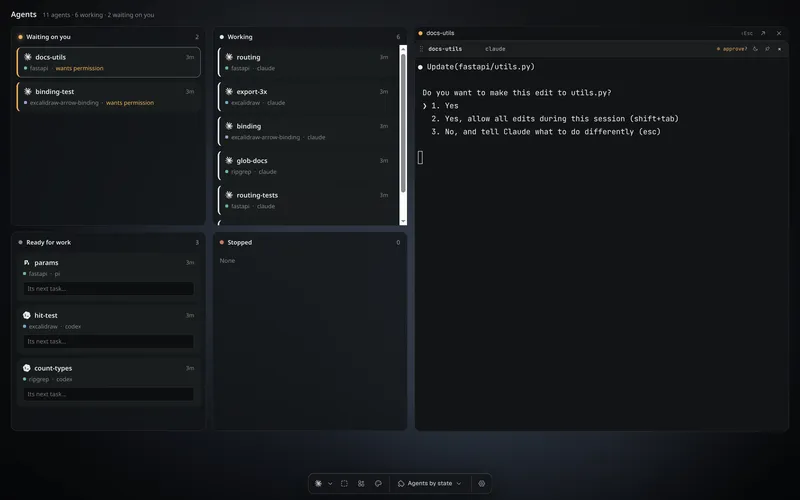
Every coding agent, in a real terminal. Ask one for a view, a widget or a tool, and it builds it into your workspace.

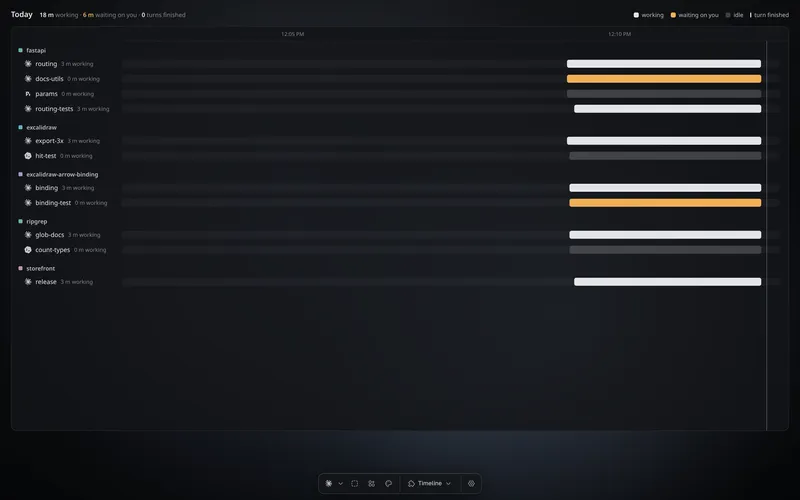
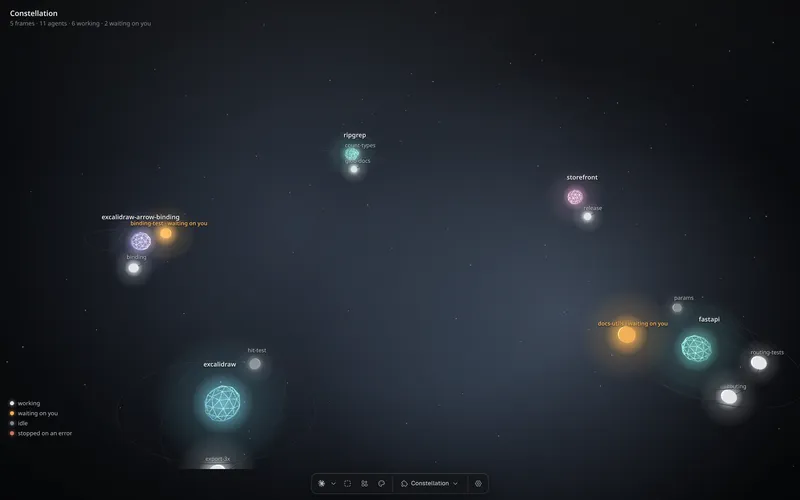
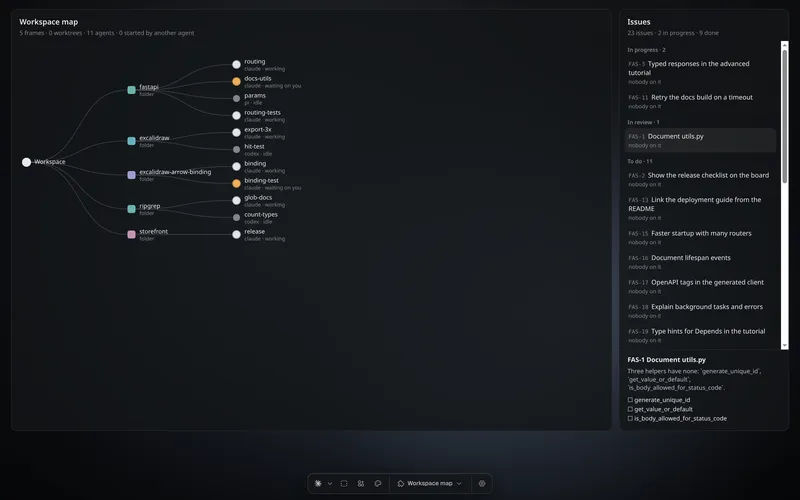
A view draws the whole screen around the same live terminals. Ask for one and your agent writes it, in a sandbox, for you alone.
Tool
A tile with the app's access, so it arrives switched off until you turn it on.
How one is made
hive plugins new widget release writes a starter and its PROMPT.md.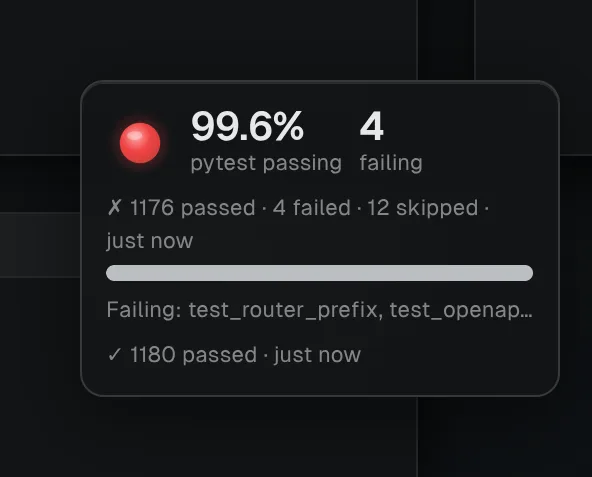
WidgetTest meter
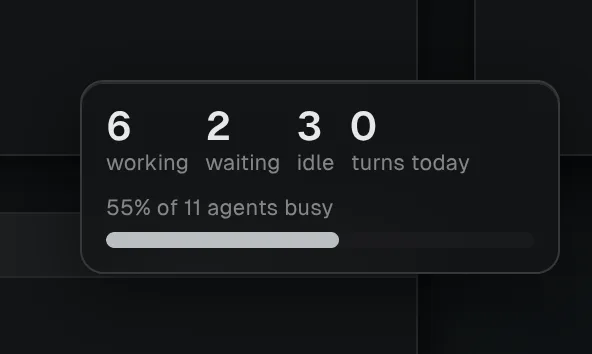
WidgetAgent pulse
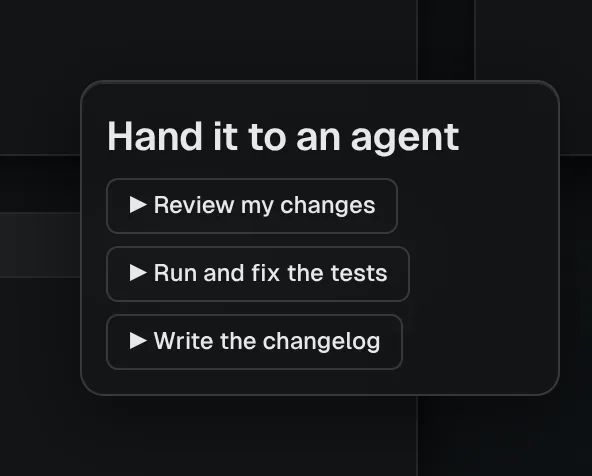
WidgetLaunchpad
Widgets and views get no files and no network. Browse the plugins on HiveHub
hive ctl is on every agent's PATH, so agents start agents, read their replies and open tools. Your own scripts get the same API, with a token you can take back.
# from inside any agent: hive ctl is on its PATH
$ hive ctl spawn --agent codex --prompt "Fix the flaky cart test"
$ hive ctl read $TILE    # wait for its reply
$ hive ctl workflow --items "api||web||cli" --prompt "Review {item}"
$ hive plugins new tool flaky-tests
$ hive plugins install @dip497/timeline
import { connect } from "hivemind-api";

const hive = await connect();
const { tile } = await hive.agents.start({ program: "claude", prompt: "Run the tests" });
const reply = await hive.agents.read(tile);
console.log(reply.text);
from hivemind_api import connect

with connect() as hive:
    tile = hive.agents.start({"program": "claude", "prompt": "Run the tests"})["tile"]
    print(hive.agents.read(tile)["text"])
Every hop is a machine you run. No server of ours sits in the path.
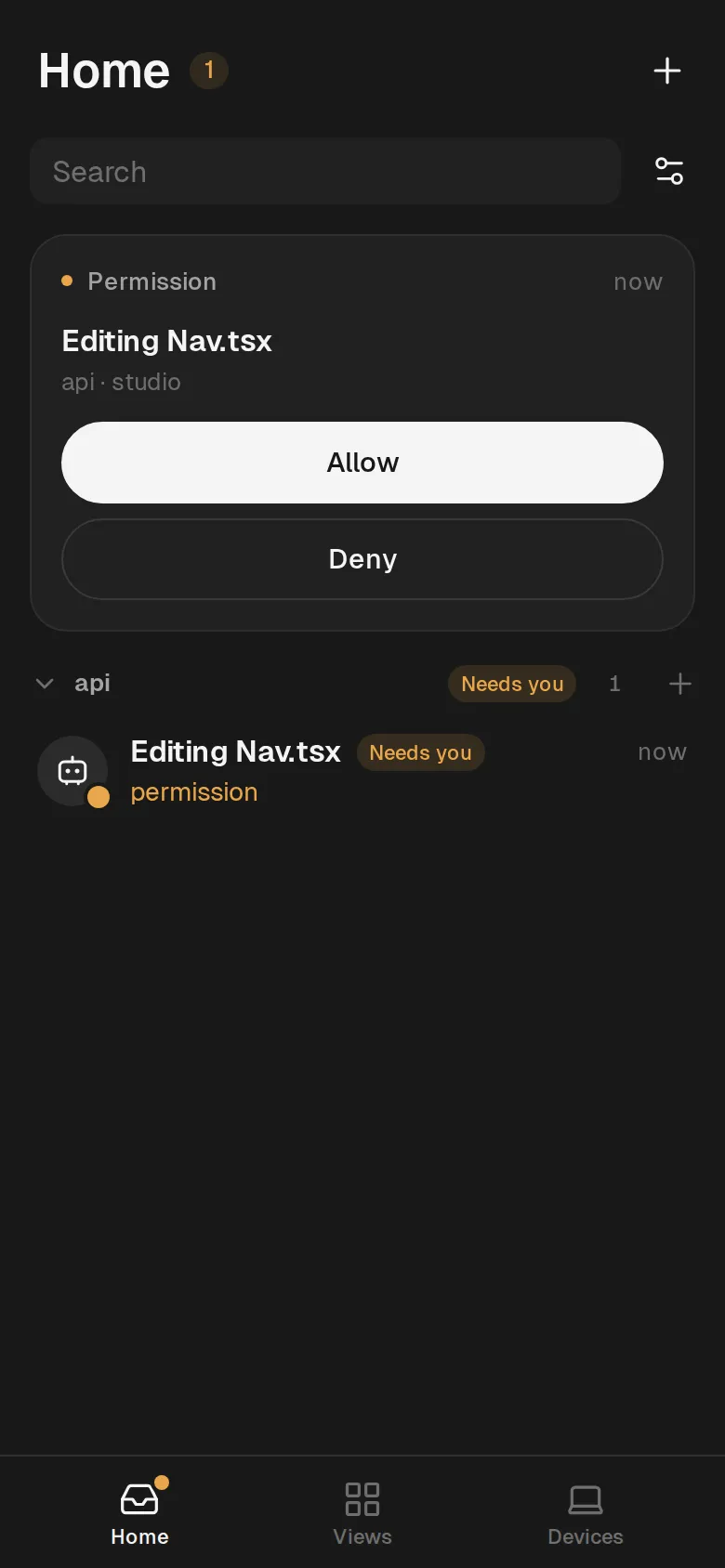
Follow your agents and answer them from your phone's browser, through a hive-net server of yours.
Open a folder on a Linux box over your own ssh. Its terminals and agents run there.
$ hive machine add dev@build-box --installAdd a machineSend an invite link. If both screens show the same three words, you choose what they may do.
$ hive share ~/work/api --role edit --expires 2dShare a workspaceInstall its CLI and it is on the board. For one Hivemind has never seen, your agent reads its --help and writes the file that teaches Hivemind to run it.
From the 2026.10.3 changelog, on 16 CPUs, with the load each ran under.
A free, open-source app that runs your coding agents, such as Claude Code, Codex and opencode, side by side, each in a real terminal on one canvas. Your agents add the views, widgets and tools around them.
Yes. It is open source under the MIT license and needs no account. The agents you run in it are separate programs, with their own accounts and prices.
Any coding agent with a CLI. It finds 21 on its own, among them Claude Code, Codex, opencode, Cursor, Copilot, Amp, Aider, and your agent can teach it a new one.
You can, here. Hivemind keeps the terminals and agents alive; you and your agents write the rest.
No. Agents run on your computer or your ssh machines.
Views and widgets have no files and no network. A tool stays off until you switch it on.
Linux x86_64, macOS on Apple Silicon and Windows x64. An Intel Mac or Linux arm64 builds with --dev.
Not a published one. The phone page runs in your phone's browser.
One command installs the app and the hive CLI.
bash <(curl -fsSL https://hivemind.griiken.com/install.sh)x86_64. Or take the AppImage
Apple Silicon. Or take the .app
x64, in PowerShell. Run least so far.
CLI only: Linux x86_64, Linux arm64, macOS, Windows. Release notes. Quickstart.